
Email List Cleaning Services: When You Need One and What It Won’t Fix
When a B2B company needs an email list cleaning service before using an old list, what verification tools check and cost, what they cannot fix, and what to know before uploading personal data.
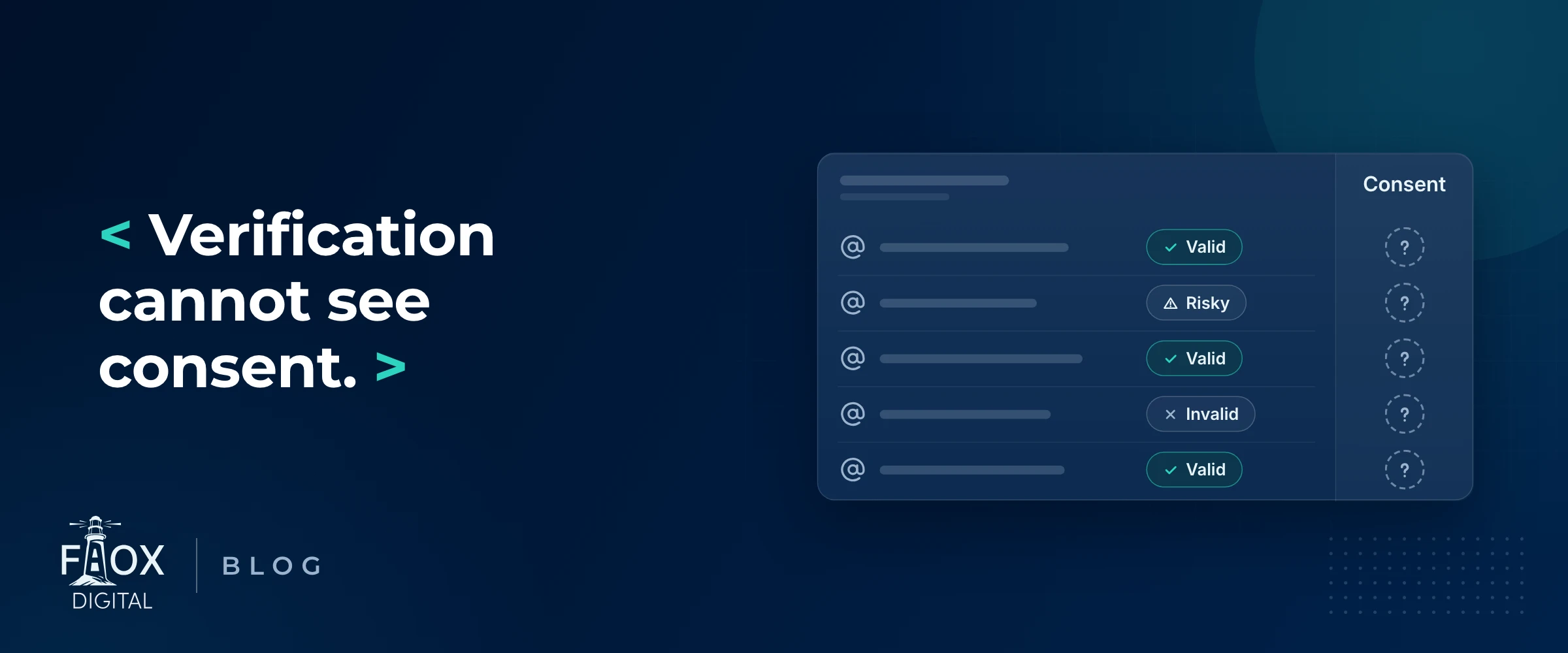
An email list cleaning service checks addresses before you send: it flags invalid, risky and duplicate addresses, catch-all domains and some known spam traps. You need one before emailing an old trade fair list, a spreadsheet nobody has used for a year or any list you cannot vouch for. It won’t fix what verification cannot see: whether people agreed to hear from you, whether they still want your email, or a weak sending setup.
Many B2B companies start email marketing with what they already have: a box of business cards from three trade fairs, a spreadsheet exported from an old system, a list someone built years ago. The question is whether to clean it first, and whether a paid service is worth it.
This guide explains what a cleaning service does, when you need one, what it cannot fix and what to check before you upload customer data. We clean lists ourselves as part of our B2B email marketing services, so we have a stake in the answer; the checks below apply whoever does the work. For how a clean list then becomes useful groups, see our guide to segmenting a B2B email list.
What an email list cleaning service does
Email verification, the core of every cleaning service, checks each address without sending it an email: whether the format is valid, whether the domain exists and accepts mail, and whether the mailbox responds as existing. Each address comes back with a status, such as valid, invalid, catch-all, role address, spam trap or unknown, and duplicates are removed.
There are two ways to buy it. An email list cleaning tool, often called email list cleaning software, is a self-service web tool or API: you upload a file and download the results. A service goes further and does the whole job for you, from merging your spreadsheets to deciding what to do with each result. For a one-off old list, a tool and a careful process are often enough.
When you need an email list cleaning service
Clean before you send when:
- The list is old. Contacts from trade fairs two or three years ago, or a list nobody has emailed for a year.
- It comes from many places. Business cards, spreadsheets, an old CRM and salespeople’s own files merged together.
- You are moving systems. A new CRM or email tool is the moment to start clean.
- Your last send bounced badly. A high bounce rate means the list has decayed.
You probably do not need one for an active list you email every month, where your email tool already suppresses bounces after each send. And if the list was bought, cleaning will not make it yours; our guide to building your own pipeline explains the alternative.
What it fixes and what it won’t fix
| Problem | What a cleaning service does | What it cannot do |
|---|---|---|
| Invalid addresses and typos | Flags addresses that cannot receive mail | Find the correct address for you |
| Bounces | Removes most addresses that would hard-bounce | Prevent temporary failures later |
| Duplicates | Removes repeated addresses | Merge the CRM records behind them |
| Catch-all domains | Flags them as risky | Confirm whether the mailbox exists |
| Spam traps | Flags some known traps | Find every trap, or fix the source that let them in |
| Role addresses | Flags info@, sales@ and similar | Tell you whether anyone asked to be there |
| Consent and interest | Nothing | Tell you whether people agreed to hear from you or still want to |
| Sending setup | Nothing | Fix authentication, content or sending habits |
The limits of verification tools are written into the vendors’ own documentation. ZeroBounce’s status codes describe catch-all addresses, on servers that accept mail for any address, as impossible to validate without sending a real email and waiting for a bounce, and its spam trap status covers addresses "believed to be" traps. Spamhaus urges senders to treat spam traps as proof of a data collection or hygiene problem: removing a trap fixes the symptom, not the source. If your problems go beyond the list, a deliverability audit looks at the whole sending setup.
Old trade fair lists, spreadsheets and the re-permission email
Old trade fair lists are the typical case. The cards were collected for a reason, but the people may have moved on, and what each person agreed to receive was rarely written down. Clean them in this order: put every source in one file, remove duplicates, verify the addresses, then check on what basis you may email each group, by country.
A re-permission email is the usual way to revive what remains: one short, plain email that reminds people where you met and asks whether they want to keep hearing from you. Keep only those who confirm, and stop emailing the rest. Even a re-permission email is an email to people who may not have agreed to receive yours, so check with your legal adviser that you may send it to that list.
What it costs, and the free options
Verification is cheap compared with the cost of a damaged sender reputation. At the time of writing (November 2026), ZeroBounce’s pay-as-you-go pricing started at $39 for 2,000 addresses, and NeverBounce charged $8 per 1,000 credits; a list of a few thousand old contacts therefore costs tens of dollars to verify, by our arithmetic.
For email list cleaning free of charge, start small: ZeroBounce’s free plan included 100 checks a month, and NeverBounce said no credit card was needed to verify a first list. Most email tools also suppress hard bounces after each send. The real cost is the time spent deciding what to do with each group of results.
After the cleaning: segment and keep it clean
A clean list is a starting point. Use segmentation before the first send: group the remaining contacts by source, language and product interest, so the first email each group receives makes sense to them. Then keep the list clean with suppression lists, bounce rules and regular reviews. If your current tool cannot handle those, it may be time to look at marketing automation software.
How Faox Digital handles an old or messy list
Faox Digital, a digital growth partner for B2B companies in complex and international markets, starts email work with an audit and clean-up of the list, the CRM and past sends, removing dead and duplicate contacts. Starting from trade fair contacts or a spreadsheet is fine. We then plan segments by behavior and stage and build everything in the client’s own tools, for the client to sign off. We suggest a first step that fits the company’s budget and stage, even if that means its own team does part of the work.
Key takeaways
- An email list cleaning service verifies addresses and flags invalid, risky and duplicate ones before you send.
- Clean before using old trade fair lists, merged spreadsheets or any list not emailed for a long time.
- Verification cannot confirm consent, interest or mailboxes on catch-all domains, and it cannot find every spam trap.
- Uploading a list shares personal data with a third party: check the contract and data terms, and ask a lawyer.
- Verification costs little; plan the re-permission email and segmentation that come after it.
Frequently asked questions
What does an email list cleaning service do?
It checks each address before you send, without emailing it, and flags invalid, risky and duplicate addresses, catch-all domains and some known spam traps so that you can remove them. It does not tell you whether people agreed to hear from you.
Is there a free email list cleaning tool?
Most verification services let you test a small number of addresses free: at the time of writing, ZeroBounce’s free plan included 100 checks a month, and NeverBounce said no credit card was needed to verify a first list. For a large old list, budget for paid credits.
Do I need email list cleaning software or a service?
Software is a self-service tool: you upload a file and get statuses back. A service also does the work around it, such as merging sources, checking consent and running the re-permission email. For one old list, a tool plus a careful process is often enough.
Can a cleaning service make a purchased list safe to use?
No. It can remove invalid addresses and some known spam traps, but it cannot give the people on the list a reason to want your email or create consent that was never given.
Sources
- ZeroBounce Documentation: Status Code (v2), accessed November 2026
- Spamhaus: Spamtraps, fix the problem, not the symptom, February 2022
- EUR-Lex: Regulation (EU) 2016/679 (GDPR), Article 28, 2016
- Mevzuat Bilgi Sistemi: Law No. 6698 (KVKK), Articles 9 and 12, accessed November 2026
Let’s talk
Have contacts you never follow up with?
Tell us about the list you already have. We will show you how email and CRM can turn it into conversations.