
Choosing a B2B Email Marketing Platform: What Matters and What Doesn’t
Why bulk email needs an email marketing platform rather than Outlook or Gmail, which criteria matter when B2B companies compare platforms, which matter less, and how to test a shortlist before signing.
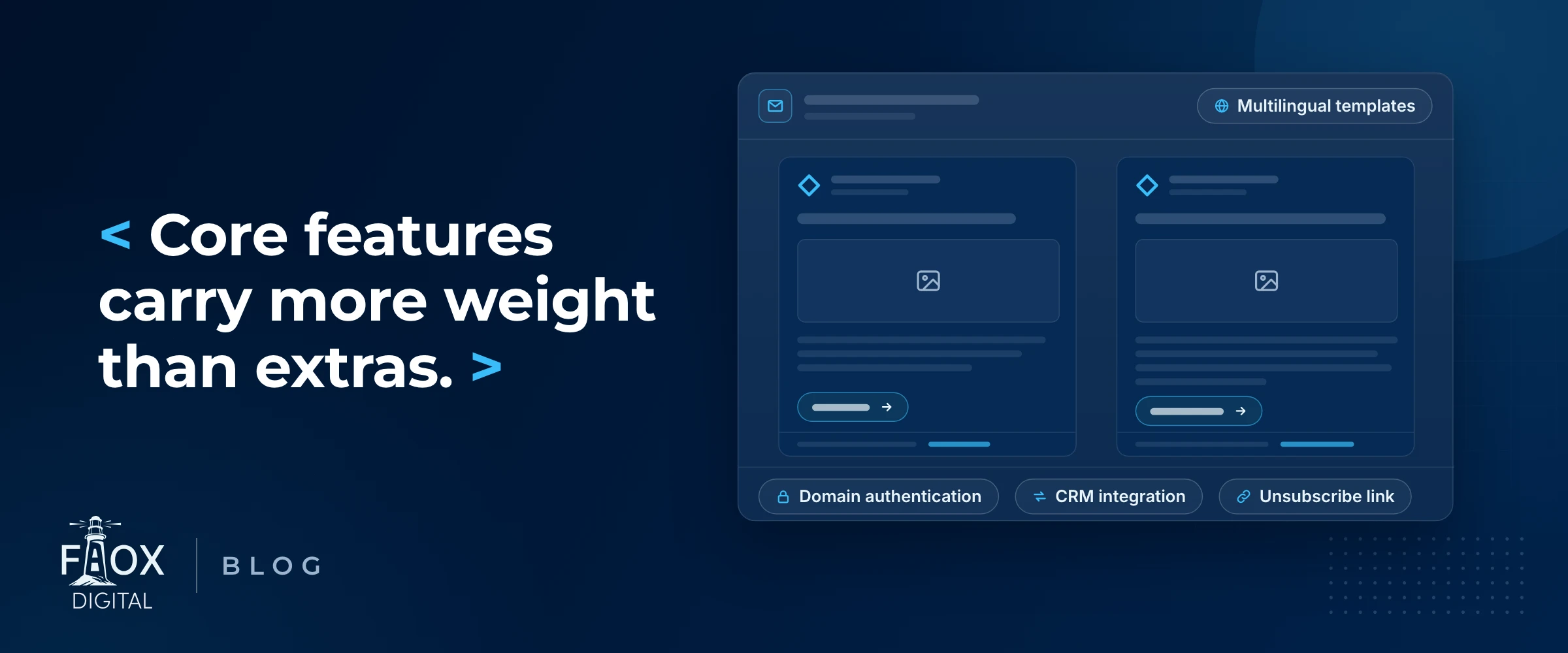
For bulk email, a B2B company needs an email marketing platform, not Outlook or Gmail: normal mailboxes have daily sending limits, and Microsoft tells its own customers to send newsletters through specialist providers. When comparing B2B email marketing platforms, what matters is domain authentication, a working CRM integration, a sending quota and price that fit your list, multilingual templates, automatic unsubscribe links, support for the rules in your markets, including İYS in Türkiye, and reporting you can act on. Template galleries and extra channels matter much less.
Most B2B companies send their first newsletters from Outlook, a shared Gmail account or the CRM’s email function. That works until the list grows, emails start landing in spam or someone asks how many customers clicked. Then comes the platform search, with dozens of email campaign platforms that all promise the same things.
This guide explains which kind of tool bulk sending needs, which criteria matter for a B2B company and which you can safely ignore. We set up email for clients as part of our B2B email marketing services and work in whichever platform suits each client, so we have no tool to sell you; the criteria apply whoever sets the platform up. Tool names and prices come from the vendors’ pages at the time of writing (November 2026) and change often.
Why Outlook and Gmail are not enough for bulk sending
Sending a newsletter to hundreds of contacts from a normal mailbox runs into Outlook and Gmail limits quickly. Google Workspace allows 2,000 messages a day per user (1,500 for mail merge and 500 on trial accounts), and Microsoft 365 limits each mailbox to 10,000 recipients a day. Microsoft is explicit: its Exchange Online documentation says customers who need to send legitimate bulk commercial email, such as customer newsletters, should use third-party providers that specialize in it.
Limits are not the only problem. A normal mailbox has no unsubscribe handling, no list management, no segments and no reporting, and complaints about a newsletter hurt the same mailbox your sales team uses every day. Bulk sending belongs in an email marketing platform: a tool built to manage lists, send campaigns and automated emails, handle unsubscribes and report what happened.
Three kinds of tool for sending email
| Outlook or Gmail | Email marketing platform | Marketing automation platform or CRM | |
|---|---|---|---|
| Built for | Personal, one-to-one email | Campaigns, newsletters and simple automations | Lead scoring, many workflows, hand-over to sales |
| Sending limits | Daily limits per user | A plan quota by contacts or volume | A plan quota, usually on higher tiers |
| Unsubscribe handling | None | Automatic | Automatic |
| Segments and personalization | None | Yes | Yes, with CRM data |
| Reporting | None | Per send and per link | Per contact and per deal |
| Typical cost | Included in your mailbox | From free plans to a monthly fee | Higher, often with onboarding fees |
Most B2B companies start with an email marketing platform. When you need lead scoring, many branching workflows or website tracking, our guide to marketing automation software shows the signs that you have outgrown it.
What matters when comparing B2B email marketing platforms
Seven criteria decide whether a platform will work for a B2B company. Check each one during a trial, with your own data.
Domain authentication
The platform must let you send from your own domain, signed with DKIM records you add to your DNS, so that DMARC passes for your domain. Domain authentication is usually a short setup: Mailchimp, for example, asks for two CNAME records and a TXT record for DMARC. Do it during the trial, not after signing the contract.
CRM integration
A two-way CRM integration keeps contacts, consent and unsubscribes in step, and sends clicks and replies back to each contact’s record, so sales can see them. Check whether the connection is built in or runs through a third-party connector, which fields sync and in which direction, and what happens when the same contact changes in both systems. If the CRM itself needs work first, see our article on outside help with CRM.
Sending quota and pricing by number of contacts
Platforms price in different ways, and the cheapest one depends on your list:
- Pricing by number of contacts: Mailchimp’s Standard plan starts at $20 a month, with a monthly sending quota of 12 times your contact limit; its free plan covers up to 250 contacts and 500 sends a month.
- Pricing by email volume: Brevo charges by emails sent; its Starter plan costs $9 a month from 5,000 emails, and its free plan allows up to 300 emails a day.
- Pricing by seats and contacts: On HubSpot’s US pricing page, Marketing Hub charges per seat and includes a set number of marketing contacts, 1,000 on Starter.
A large list emailed rarely tends to suit volume pricing; a small list emailed often tends to suit contact pricing. Count the contacts you will actually keep, and check what happens above the limit: Mailchimp’s page says overages apply. Our article on what email marketing costs puts the platform into the full budget.
Multilingual templates
Exporters need multilingual templates: one design in several languages, sent to each contact in the language they chose. Check whether the platform stores a language for each contact, lets you build language versions without copying every campaign by hand, and shows your languages’ special characters correctly in subject lines and preview text.
Unsubscribe link and preferences
Every campaign needs a visible unsubscribe link, added automatically, and ideally a preference page where readers choose topics or frequency. For senders of more than 5,000 messages a day to Gmail, Google’s sender guidelines require marketing messages to support one-click unsubscribe and to include a clearly visible unsubscribe link; a good platform adds the one-click headers for you.
Compliance in your markets, including İYS
The platform should record when and how each contact gave consent, and apply unsubscribes across all lists. If you send commercial email to recipients in Türkiye, Law No. 6563 applies: apart from the exceptions in the regulation, commercial messages need the recipient’s consent, and senders record consents in İYS, the national Message Management System, where recipients can also refuse. Since a communiqué of September 2024, the Ministry of Trade authorizes integrators that record consents and refusals in İYS for senders. For İYS compliance, check whether your platform connects to İYS directly or through such an integrator. This is general information, not legal advice; confirm the rules for your case with a lawyer.
Reporting
Reporting should show bounces, complaints, unsubscribes and clicks for each send and each link, filter out machine activity where possible and pass results to the CRM. Treat opens with caution, because privacy features in email apps distort them.
What matters less than the sales pages suggest
- Template galleries: one clean, tested template in your languages is enough.
- Extra channels such as SMS, social posting or landing pages, unless you will really use them.
- Integration counts: what matters is the connection to your CRM and website forms, not the number of apps listed.
- AI writing features: useful for drafts, but they do not fix a weak list or an unclear message.
- Advertised deliverability figures: your results depend on your domain, your list and your sending habits, not on a vendor’s average.
- The lowest first-year price: check the price at your realistic list size and at renewal.
How to compare platforms in practice
- Write down your requirements: list size, sending frequency, languages, markets, CRM and who will send.
- Shortlist two or three platforms that meet them, using the vendors’ current price pages.
- Run a real test on the free plan or trial: authenticate your domain, import a sample of contacts, build your template in two languages and send tests to Gmail, Outlook and a company mailbox.
- Test the CRM sync with real records, including an unsubscribe.
- Compare the cost for a full year at your realistic list size, with seats, add-ons and overages.
- Check the exit: make sure you can export contacts, consent records and reports if you leave.
If an agency will run your email
If an agency or consultant will run your email, ask whether they work in the platform you choose or only in their own, and who owns the account and the list if you part ways. Our questions for an email agency cover tool independence and data ownership, and our guide on how to brief an agency shows how to write your requirements down so that proposals can be compared.
How Faox Digital approaches email platforms
Faox Digital, a digital growth partner for B2B companies in complex and international markets, works in the client’s own tools, whichever email platform and CRM they are. We start with an audit and clean-up of the list, the CRM and past sends, then plan segments by behavior and stage. The emails and automations are built in the client’s platform and signed off by the client, and we keep a steady sending rhythm with healthy deliverability, judged by replies, qualified conversations and pipeline.
Key takeaways
- Do not send newsletters from Outlook or Gmail: daily limits apply, and Microsoft tells customers to use specialist providers for bulk email.
- Choose a platform by domain authentication, CRM integration, price at your list size, multilingual templates, unsubscribe handling, compliance support and reporting.
- Match the pricing model to your list: per contact for small lists emailed often, per email volume for large lists emailed rarely.
- If you email recipients in Türkiye, plan for İYS through the platform or an authorized integrator, and confirm the rules with a lawyer.
- Test with your own domain, data and languages before you sign, and make sure you can export everything.
Frequently asked questions
What is the most cost-effective email marketing tool for B2B?
It depends on your list and how often you send. Free plans suit very small lists: at the time of writing, Mailchimp’s covers up to 250 contacts and Brevo’s up to 300 emails a day. Beyond that, compare the yearly cost at your realistic list size, including seats and overages, and the time your team needs to run the tool.
Can I send bulk email from Outlook or Gmail?
Not reliably. Google Workspace allows 2,000 messages a day per user and Microsoft 365 10,000 recipients a day per mailbox, and neither handles unsubscribes or reporting. Microsoft’s own documentation says bulk commercial email should go through specialist providers.
What is the difference between email campaign software and a marketing automation platform?
Email campaign software sends newsletters and campaigns to lists, with simple automated series. A marketing automation platform adds lead scoring, many branching workflows, website tracking and a closer link to sales. Most B2B companies start with the first and move to the second when they need those features.
What does a B2B email marketing platform cost?
On the vendors’ pages in November 2026, prices started with free plans, then $9 a month for Brevo’s Starter, $20 a month for Mailchimp’s Standard and, on HubSpot’s US pricing page, $20 a seat for Marketing Hub Starter, rising with contacts, email volume or seats. Setup, content and the time to run the tool come on top.
Sources
- Microsoft Learn: Exchange Online limits, updated November 2026
- Google Workspace Help: Gmail sending limits in Google Workspace, updated November 2026
- Mailchimp: Marketing pricing, accessed November 2026
- İleti Yönetim Sistemi: İYS nedir?, accessed November 2026
Let’s talk
Have contacts you never follow up with?
Tell us about the list you already have. We will show you how email and CRM can turn it into conversations.