
Product Photography for B2B: When a Professional Shoot Is Worth It
How to decide between phone photos and a professional shoot for B2B social media, and how to plan, light, own and reuse your product photos.
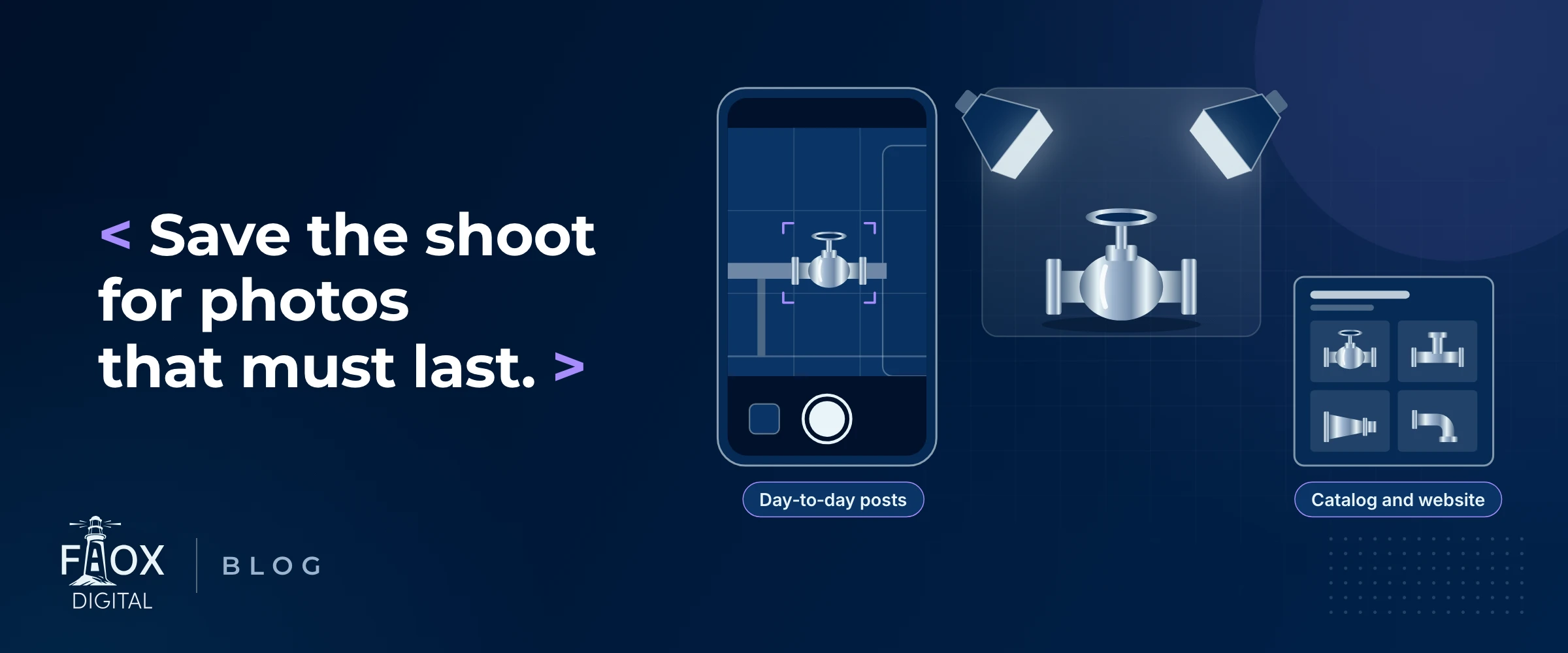
For most B2B social media posts, good phone photos taken in good light are enough: behind-the-scenes shots, installations, events and people at work. Product photography by a professional pays off when the same images will carry your catalog, website and trade fair graphics for years, when a whole range must look consistent, or when the product is hard to photograph, such as polished metal. Whoever takes them, agree in writing who owns the photos and where you may use them.
Buyers judge a product by its picture long before they hold it. A dark, cluttered photo of a well-made part says the opposite of what the specification sheet claims. Yet many B2B companies swing between two extremes: snapshots for everything, or one expensive shoot whose photos are used once. This guide helps you decide which photos you can take yourself and when a professional shoot is worth paying for. We work as a B2B social media agency ourselves, so we have a stake in how companies spend on content; the checks below apply whoever takes the pictures. For planning content across formats, see our guide to making B2B social content.
Phone or professional product photography: how they compare
The choice between a professional shoot vs phone photography depends on what the photos must do, how long they will be used and how many products they must cover:
| Phone photos, taken in-house | Professional shoot | |
|---|---|---|
| Cost | Staff time, plus a few small lights and a backdrop | Photographer’s fee, retouching, studio or travel, preparation time |
| Speed | Same day, whenever something happens | Planned weeks ahead, delivered after editing |
| Quality ceiling | Fine for feeds viewed on phones | Holds up in print, on large screens and when cropped |
| Consistency across a range | Hard to keep without a fixed set-up | Built in, if the brief asks for it |
| Difficult products | Struggles with reflective, very small or very large items | Lighting and lenses for each |
| Best for | Behind the scenes, installations, events, team, quick news | Catalog, website, launches, trade fair graphics |
Most companies need both: a professional set of product images that lasts, and a steady flow of phone photos that keeps the feed alive.
When a professional shoot is worth it
A shoot pays for itself when the photos do several jobs over several years:
- A catalog or website refresh. One consistent set used in print, online and in sales presentations.
- A whole product range. Dozens of items in the same angles, light and background.
- Difficult surfaces. Polished stainless steel, glass or black plastic, which show every reflection.
- A launch or a trade fair. Images that will be printed large or shown on stand screens.
- Repeated disappointment. If in-house photos keep looking uneven, the fix is usually a set-up and a style, which a professional can create for you to copy later.
When phone photos are enough
For day-to-day social media, authenticity often beats polish. A clear phone photo of a machine being installed, a team at a trade fair or a part coming off the line tells buyers that the company is active and real. Phone photos are enough when the subject is the moment rather than the product’s finish, when speed matters, and when the image will only appear in a feed. Give them a fair chance with steady hands, clean lenses, good light and a tidy background.
Product, facility and team photos: the shot list
Whether you hire a photographer or shoot yourself, write a shot list: every photo you need, what it is for and where it will appear. Most B2B lists cover three groups of product, facility and team photos:
- Products. Front and three-quarter views, details that matter to buyers (welds, threads, finishes, labels), a scale reference, and the product in use or installed.
- Facility. Machines, lines, the laboratory, the warehouse and the loading bay, ideally while work is going on.
- Team. People at work and simple portraits of the experts who appear in your posts.
Note the shape for each photo: square or vertical for social feeds, horizontal for website banners. A shot taken only one way is hard to crop into another.
Light and background
Light and background decide most of the difference between a snapshot and a product photo. For product photography lighting, use soft, even light: a large window, or two lights through diffusers, one on each side. Avoid the built-in flash and mixed light colours. Polished metal reflects its surroundings, so surround it with large, plain, light-coloured surfaces rather than adding more light; small parts photograph well in an inexpensive light tent.
For the product photography background, use a plain white or grey sweep for catalog and website images, so products can be compared and cut out. For social media, a real setting, such as the product on the machine it serves, often says more. Whichever you choose for a range, keep it the same for every item.
AI-generated images: where they help
AI-generated images can help with backgrounds, illustrations and concept visuals, but they should not stand in for your real product. A generated picture of a part may show a finish, a fitting or a quality your product does not have, and buyers who order on the strength of it will notice.
Ownership is uncertain too. In January 2025 the U.S. Copyright Office concluded that generative AI output can be protected by copyright only where a human author has determined sufficient expressive elements, and that prompts alone are not enough. An image you generated from a prompt may therefore not be yours to protect. Use real photos for real products, and treat AI images as illustrations.
Visual consistency across your photos
Visual consistency makes a feed recognisable before anyone reads the company name. Write a one-page photo style guide: the angles you use, the background, the light colour, the crop, how much editing is allowed and how people are shown. It does for images what a brand voice does for words: a shared standard, so different people produce work that looks like one company. Our guide to what brand voice means explains the idea for text.
Usage rights: who owns the photos
Usage rights are the part most often missed. In the United States, copyright belongs at first to the author of the work, so a photographer you commission usually owns the photos unless you agree otherwise in writing (17 U.S.C. § 201). In the United Kingdom, the Copyright, Designs and Patents Act 1988 makes the author the first owner; for work made by an employee in the course of employment, the employer is the first owner unless agreed otherwise (section 11).
So agree in writing, before the shoot, what you may do with the photos:
- Which channels and media: social, website, print, advertising, trade fairs
- Which markets and for how long
- Whether you may edit, crop and combine them
- Whether rights are assigned to you or licensed, and what happens to the raw files
People in the photos need their permission too. Under the EU’s General Data Protection Regulation, an image of a person who can be identified is personal data. This is a checklist, not legal advice: have your lawyer review the contract.
Cost items in a professional shoot
Prices vary too widely by country and photographer to quote a typical figure, so compare offers by their cost items:
- The photographer’s day or half-day rate
- An assistant, and lighting or studio hire
- Travel, if the shoot happens at your plant
- Retouching, usually priced per image
- The licence: broader use usually costs more
- Your own costs: staff time, cleaned samples and production paused for the shoot
Ask for every item in writing, with the number of final, retouched images included.
Plan the shoot day
A shoot day plan keeps a costly day from being spent waiting. The day before, check:
- Products are cleaned, assembled and labelled in shot-list order
- The shot list gives the shape and use of every photo
- Machines and people are booked for the times they are needed
- Permissions are signed for everyone who will be recognisable
- Confidential drawings, screens and labels are out of sight
- One person from your side can approve shots on the spot
Reuse in catalogs and on the website
Plan for reuse in catalogs and on the website from the start: shoot each product in the shapes your print and web layouts need, keep the full-resolution originals, and make sure the licence covers print. On your website, Google’s image guidance recommends descriptive file names, alt text and placing images near the text they relate to, because Google uses that context to understand an image.
Frequently asked questions
What background is best for B2B product photos?
For catalog and website images, a plain white or light grey background, the same for every product in a range. For social media, the product’s real setting, such as the machine or plant it serves, usually works better.
How should you light product photos?
With soft, even light: a large window or two diffused lights, one on each side. Avoid direct flash. For polished metal, surround the product with large light-coloured surfaces to control reflections.
Is a product photography box worth it?
For small parts, yes. A light tent gives soft, even light and a clean background at little cost. It does not help with large products or machines, which need space and larger light sources.
What are good product photography ideas for industrial products?
Show the product in use, a detail that proves quality, a scale reference beside it, the parts that customers replace, and before-and-after pictures of a repair or cleaning.
Sources
- U.S. Copyright Office: Copyright Office releases Part 2 of Artificial Intelligence Report (NewsNet 1060), 2025
- Legal Information Institute: 17 U.S. Code § 201, Ownership of copyright, accessed November 2026
- legislation.gov.uk: Copyright, Designs and Patents Act 1988, section 11, accessed November 2026
- Google Search Central: Image SEO best practices, 2026
Let’s talk
Want social media that reaches the right people?
Tell us who you want to reach. We will look at your channels and suggest a plan your team can keep up with.