
Website Redesign or Refresh? How to Tell What Your B2B Site Needs
The evidence that shows whether your B2B site needs a refresh or a full redesign, what each one puts at risk, and how to decide without guessing.
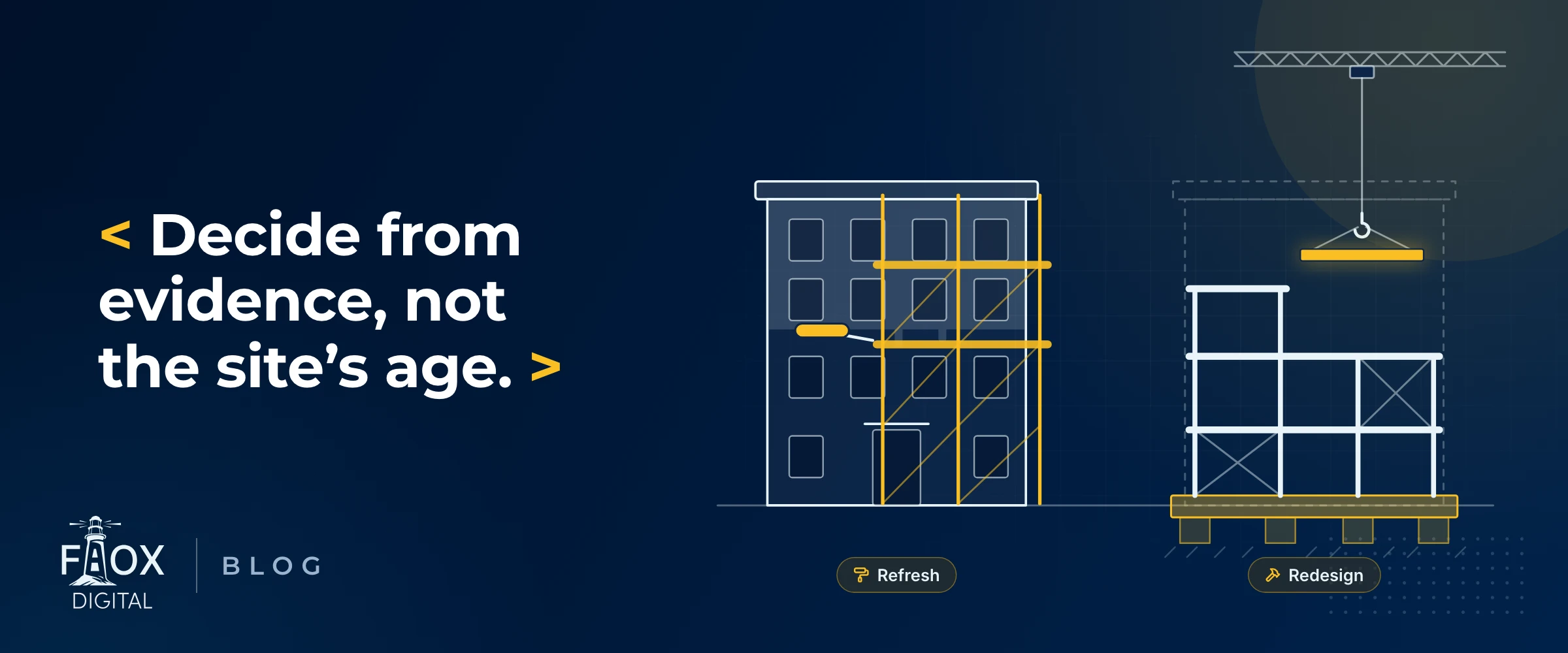
Choose a refresh when your site’s structure and platform are sound and the problems sit in content, design details or speed. Choose a website redesign when the platform, structure or brand stop you from fixing those problems at a reasonable cost. Decide from evidence, meaning analytics data, a content audit, a technical review and your SEO risk, not from how old the site looks.
The question usually starts with a feeling: the site looks dated, a competitor has launched a new one, or sales has stopped sending people to it. A full rebuild takes time and money and can put search traffic at risk. A refresh on a weak foundation wastes money too, because the same problems return.
This guide sets out what each option means, which signals point to which and how to decide. For the background on what a B2B site should do, see our B2B website design guide. We work as a B2B website design agency, so we have a stake in the answer; the checks below apply to any provider, including us.
Website redesign vs refresh: what each one means
A refresh improves the site you have. A redesign rebuilds its structure and templates, and often its platform too.
| Aspect | Refresh | Redesign |
|---|---|---|
| What changes | Content, images, navigation labels, forms, some templates and speed | Structure, templates and often the platform and URLs |
| What stays | Platform, URLs and most of the structure | Your goals and, where possible, your URLs |
| SEO risk | Low if URLs and key content stay | Higher, especially if URLs or content change |
| How it runs | In phases, alongside daily work | As a project with its own plan and budget |
| Best when | The foundation is sound | The foundation blocks progress |
There is also a middle path. You can rebuild one part, such as product templates or a single language, and leave the rest for later. It takes more planning, but it spreads the cost and the risk.
Start with evidence, not the calendar
People often ask how often to redesign a website. We found no reliable study that answers this for B2B companies; the "every two or three years" figures we saw come from agency blogs without data. A site’s age tells you little. A five-year-old site on a supported platform with current content may need only a refresh, while a two-year-old site with the wrong structure may need more.
So look at these signals instead:
| What you find | Points to a refresh | Points to a redesign |
|---|---|---|
| Content | Pages are outdated or thin, but the structure holds them | New products or markets have no natural place |
| Navigation | Some labels are unclear | Buyers fail to find things across the whole site |
| Conversion | Forms and calls to action need work | The buying path needs new page types |
| Mobile | Some templates break on a phone | The site is not responsive, or mobile is a separate site |
| Page speed | Images and scripts slow certain pages | The platform or theme keeps every page slow |
| CMS | Editors can publish, though it is clumsy | Every change needs a developer, or the platform is unsupported |
| Languages | Translations are missing or weak | Languages cannot have their own URLs |
| Brand | The look needs a visual update | Your positioning or identity has changed |
One signal rarely decides it. Count how many point to the right-hand column, and how much of the business they affect.
Analytics data: see what the site does now
Analytics data shows where the problem really is. Search Console’s Performance report shows which searches and pages bring visits, and its Page indexing report shows which pages Google leaves out and why. Your analytics tool shows where visitors land and which pages lead to enquiries.
Read these together, and add what sales hears:
- Few visits from search: look first at indexing, structure and content. A new design alone will not fix this.
- Visits but few enquiries: look at conversion: the message on key pages, missing specifications, weak calls to action and long forms. Most of this is refresh work.
- Enquiries of the wrong kind: look at how pages describe your offer and who they speak to.
- Sales avoids sending the link: ask why. The answer is often outdated information, which is cheaper to fix than a design.
Content audit: know what you have
A content audit lists every page with its traffic, links from other sites, enquiries, owner and last update, then marks each one to keep, update, merge or remove. It takes time, but both options need it, and it often changes the decision. If most pages only need updating, you are looking at a refresh. If the content needs a new structure, that points to a redesign.
Pages with search traffic or outside links are assets, so mark them before anyone discusses a new sitemap. For a B2B site, also ask your engineers whether specifications and certificates are still correct. If you find gaps in what you publish, our guide to B2B content strategy can help you plan what comes next.
Technical debt and the CMS
Technical debt is the term Martin Fowler describes as deficiencies in a system’s internal quality that make it harder to change, and the extra effort is the interest you pay. On a website, it shows up as plugins nobody dares to update, code nobody understands and small changes that take weeks.
Your content management system (CMS) deserves a direct check. At the time of writing (November 2026):
- WordPress officially supports only its latest major release, and older branches get security fixes only as a courtesy.
- Drupal 7 reached end of life on January 5, 2025.
- PHP, the language behind many CMS sites, lists 8.2 to 8.5 as supported, and security support for 8.2 ends on December 31, 2026.
An outdated version does not always mean a redesign, because an upgrade may be enough. Ask your developer what the upgrade involves. If it amounts to a rebuild, or if editors cannot publish without a developer, the platform is part of the problem. Our guide to choosing a custom or template website covers what to move to.
Mobile and page speed
Mobile problems can often be fixed in place, depending on how the site was built. Google uses the mobile version of a site for indexing and ranking, and it recommends responsive design. If only some templates break, a refresh may do. If the site was never responsive, you are closer to a rebuild. Our article on fixing a site for mobile goes through that decision.
Page speed gives you a useful clue. Search Console’s Core Web Vitals report is based on real-world usage and groups URLs with a similar experience. If one group fails, such as product pages with heavy images, that is a refresh task. If every group fails, ask whether the theme or platform is the cause.
Multilingual structure
A multilingual structure is hard to add to a site that was not built for it. Each language should have its own URL, and each version should be able to name the others with hreflang. If your CMS cannot do this cleanly, and you plan to enter new markets, that alone can justify a rebuild. If the structure is sound and only the translations are weak, a refresh is enough.
Brand fit
Brand fit asks whether the site still matches who you are and what you sell. If the look is tired but your positioning holds, a visual update is a refresh. If you have changed your name, market or offer, or plan to, settle the brand question first, because a new site built on an old brand soon needs redoing. Our guide to rebrand or refresh covers that decision.
SEO risk: what a redesign can put at risk
SEO risk is the main reason not to rebuild casually. Pages can lose what they have earned when URLs change, content is cut or internal links disappear. Google’s guidance on site moves makes the risk manageable:
- Prepare a map from every old URL to its new one, and use permanent server-side redirects.
- Keep redirects for at least a year.
- Expect temporary ranking fluctuation. A small or medium site can take a few weeks for most pages to move.
- Change one thing at a time. Google’s example is to move to a new domain first and change the layout afterwards.
If you can keep your URLs and your best content, the risk falls sharply. A refresh usually keeps both, which is one of its main advantages. Our article on protecting SEO in a redesign lists the decisions to make before work starts.
Website redesign before and after: what to measure
Record a baseline before you touch anything, because you cannot prove an improvement without one. Then compare the same figures afterwards, over a comparable period:
| Measure | Where to find it | What it shows |
|---|---|---|
| Clicks and impressions by page group | Search Console | Whether search visibility held |
| Indexed pages | Page indexing report | Whether Google kept your pages |
| Core Web Vitals by page group | Search Console | Whether speed improved |
| Top landing pages | Your analytics tool | Whether key pages still receive visits |
| Enquiries and form completions | Your CRM and analytics | Whether the site works better for the business |
Judge the result on enquiries, not on how the new design looks. And be careful with published before-and-after stories, which often skip the period, the baseline and any other changes made at the same time.
How to decide
- Write down the problems. List what is actually going wrong, with evidence, and leave out "it looks old".
- Gather the data. Use analytics, Search Console and what sales and customers tell you.
- Audit the content. Mark what to keep, update, merge or remove, and which pages carry search value.
- Review the technology. Ask your developer whether the platform is supported and what the top problems would take to fix on it.
- Compare the two paths. Price the fixes on the current platform and a rebuild, including content, redirects and your team’s time.
- Choose the smallest step that solves the problems. If a refresh fixes the top problems at a reasonable cost, start there.
If you are unsure, or on a tight budget, start with the refresh. Better content, clearer forms and faster pages pay off whichever path you take later, and you will learn what your buyers respond to before you commit to a rebuild. A good provider will tell you when a smaller step is enough.
How Faox Digital helps you choose between a redesign and a refresh
At Faox Digital, a website project starts with learning the business: what the company sells, who buys it and which markets matter. Mapping the site then shows what each page has to do and how a visitor moves to an inquiry, which is how we tell whether a site needs a rebuild or a few focused changes. You sign off each step before we move on, and we suggest first steps that fit the company’s budget and stage.
Key takeaways
- A refresh improves what you have; a redesign rebuilds the structure and templates, and often the platform.
- Decide from analytics data, a content audit and a technical review, not from the age of the site.
- An unsupported platform, a structure that cannot hold your products or languages, or a changed brand can justify a redesign.
- Redesigns carry more SEO risk, so map URLs, keep redirects for at least a year and change one thing at a time.
- Record a baseline first, and judge the result on enquiries.
Frequently asked questions
What is the difference between a website redesign and a refresh?
A refresh improves the existing site: content, images, navigation labels, forms and speed, usually on the same platform and URLs. A redesign rebuilds the structure and templates, and often the platform. A refresh costs less and carries less risk, but it cannot fix a foundation that is holding you back.
How often should a B2B company redesign its website?
There is no reliable rule. We found no solid study behind the common "every two or three years" advice. Redesign when evidence shows that the platform, structure or brand stops you from fixing real problems, and keep the site current in the meantime.
Will a website redesign hurt SEO?
It can, especially if URLs change, content is removed or redirects are missed. With a URL map, permanent redirects kept for at least a year and one change at a time, Google says rankings should settle after temporary fluctuation. No one can promise that every position will hold.
Can we redesign one section at a time?
Often, yes. Rebuilding product templates or one language first spreads the cost and risk, and it shows what works before you commit further. It needs careful planning, because two designs and possibly two systems will run side by side for a while.
Sources
- Google Search Central: Site moves with URL changes, accessed November 2026
- Search Console Help: Performance report, accessed November 2026
- PHP: Supported versions, accessed November 2026
- Martin Fowler: Technical Debt, 2019
Let’s talk
Planning a new website or a fix?
Send us your current site and what you need it to do. We will tell you whether it needs a rebuild or a few focused changes.