
Website Redesign With AI: What It Can and Can’t Do for a B2B Site
What AI website builders, app builders and assistants can do in a B2B redesign, where their limits are and which parts still need people.
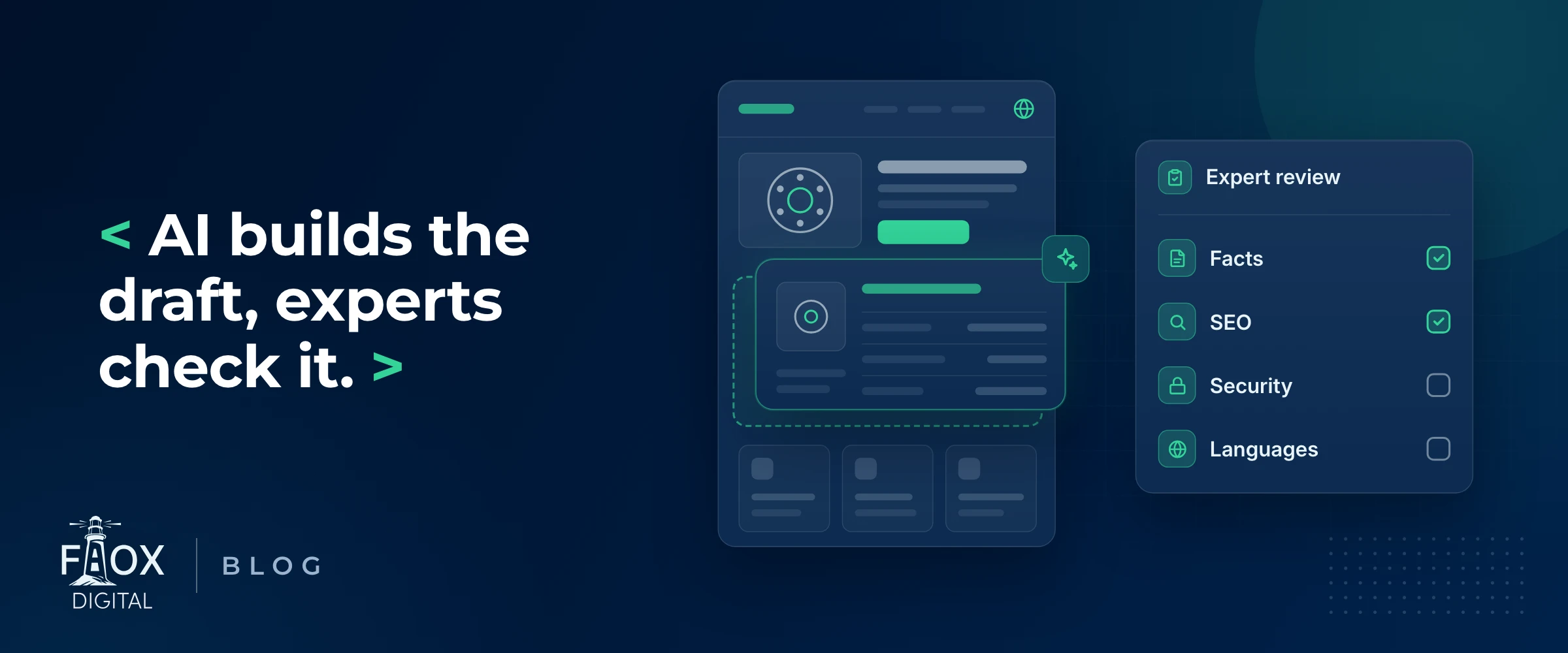
Website redesign AI tools can turn a prompt or your current site’s address into a working, responsive first version in hours, which may be enough for a small company with a simple brochure site. A B2B site usually needs more: accurate technical content, manageable product data, a proper multilingual structure, protection for the search visibility you have and someone who owns and maintains the code. Use AI for structure, drafts and building, and bring in expert review for facts, SEO, security and languages.
You can now describe your business in a chat and get a multi-page site, or paste your current site’s address and get an editable rebuild. Some of the results are good, and dismissing them would be a mistake.
So the useful question is not whether AI can build a website, but which parts of a B2B site it can carry and where you still need people. The tools below are described as they stand at the time of writing (November 2026).
What website redesign AI tools can do today
Four kinds of tools matter here:
- AI website builders generate a site inside a hosted platform. Wix’s Harmony editor, released in January 2026, puts an AI agent called Aria beside drag-and-drop editing, and you can start from templates and ready-made sections or let AI generate pages. Squarespace’s Blueprint AI generates a multi-page site with starter content, imagery and a visual direction from a few answers about your business.
- AI app builders write the site as code. Lovable can rebuild a public page you own from its URL, keep each page’s path and let you change it in a chat.
- AI design tools produce designs rather than live sites. Claude Design builds a first version of a page from a description and can use your own design system, imported from GitHub, design files or code.
- General assistants and coding agents draft copy, page outlines and code. ChatGPT can preview HTML pages and React components in the chat, and Claude Code reads and edits an existing site’s code.
| Type of tool | Examples | What you get | Where it stops |
|---|---|---|---|
| AI website builders | Wix Harmony, Squarespace Blueprint AI | A site generated from your answers, on the provider’s templates and servers | The platform’s features; a Wix site must run on Wix’s servers |
| AI app builders | Lovable | A site written as code, which can start from your current site | An import copies what visitors see, not your data, forms or integrations |
| AI design tools | Claude Design | Page designs, built with your design system if you import it | A design, not a working site |
| Assistants and coding agents | ChatGPT, Claude, Claude Code | Drafts of copy, structure and code | Only as accurate as the facts and review behind them |
Where AI genuinely helps in a B2B redesign
Used well, these tools take real work off a redesign:
- A draft to react to. A multi-page draft makes it easier for a team to say what it wants than a blank page does.
- Structure and first copy. Page lists, outlines and first drafts from your own notes. Google’s guidance on generative AI content (updated October 2026) calls the technology particularly useful for research and for adding structure to original content.
- Layouts for every screen. Layouts that adapt to phones and desktops, the core of responsive website design, usually come built in: Wix says Harmony sites adjust automatically to any device. Test on real phones anyway.
Professionals use the same tools: in GoodFirms’ 2026 survey of more than 300 web development companies and freelancers, 98% said they use AI. The real choice is not AI or people, but which parts each should do.
Where AI-built sites fall short for B2B companies
Content accuracy comes first. Google’s guidance puts it plainly: generative models do not retrieve facts but predict a likely sequence of words, so all AI content needs a manual fact-check before publishing, including page titles, meta descriptions, structured data and image alt text. On your site that means pressure ratings, material grades, tolerances and certificates. Give the tool your data sheets, and have an engineer check every figure.
Brand consistency goes deeper than colors and fonts. AI website builders lean on template-based generation: Wix Harmony offers templates and ready-made sections next to what its AI generates, and its Brand panel sets your palette, fonts and styles across the site. But your brand also lives in what you claim, the terms you use and the photos you show, and a generated image shows no real product, plant or team. An unedited result tends to look like many other sites.
Customization limits appear with product data and integrations. Lovable’s documentation says its website import suits a blog or store less well, because posts and products arrive as fixed pages rather than records you can manage, and an imported form keeps its look but not what the original site did with submissions. A catalog of hundreds of products with filters, data sheets and an ERP feed needs a data structure and integrations that someone has to design, the same trade-off as in our comparison of a custom website vs template.
A multilingual structure is often the first wall for exporters. At the time of writing, Wix lists its CMS and Multilingual apps among those it is still adding to Harmony. Google recommends a separate URL for each language version, connected with hreflang annotations, and each market needs more than a translated page; our guide to localization vs translation explains the difference.
The SEO foundation of a redesign is about what you already have. No tool knows which pages bring your visitors and inquiries unless you tell it, and someone has to keep that content, redirect every changed URL to its closest new page and review the metadata. Rendering has improved: Lovable says its newer projects render pages on the server. If you hire help for the search side, our guide to choosing an SEO agency lists the questions to ask.
Code ownership, security and maintenance
Code ownership decides what you can take with you. Wix says the content you build belongs to you, but the site has to run on its servers, and a Harmony site cannot even move to Wix’s other editors. Lovable says the apps and code it creates are yours, subject to third-party rights such as open-source licenses, and you can download the code on paid plans or sync it to a Git repository.
Copyright is a separate question. The US Copyright Office concluded in January 2025 that AI output is protected only where a human author has determined sufficient expressive elements, and that prompts alone are not enough. If your design or code matters to your business, ask a lawyer how this applies where you operate.
Security needs a second look, because working code is not necessarily safe. Veracode, which sells code security testing, reported in October 2026 that the 18 AI models in its latest test passed its security checks in 62% of tasks on average, up from 56% in July, and in only 18% on cross-site scripting, a classic web page flaw. The tests cover models, not builders, but any custom code deserves a developer’s review and a scan before launch.
Maintenance does not end at launch. Wix says it updates its platform’s software for you, while code you own needs someone to update it. Platforms also change underneath you: Lovable moved new projects to a different framework on May 13, 2026, and older ones stay on the previous framework unless upgraded. Content, forms, certificates and prices need an owner too, so write down who does what.
How to redesign a website with AI, step by step
A workable process keeps AI where it is strong and people where it is not:
- Start from what the site must do. List your buyers, markets and target inquiries, and export which pages bring visitors and inquiries today.
- Gather the facts first. Collect data sheets, certificates, approved product names, brand guidelines and real photos: the tool is only as accurate as its input.
- Use AI for structure and drafts. Ask for a page list, layouts and first copy from your material, and compare versions.
- Choose the build route. Pick a hosted builder, code you own or a developer-led build to suit your catalog, languages and integrations, and check how you would leave.
- Get an expert review. Work through the checklist below.
- Test on a protected copy. Check every page on phones and desktops, in every language, before you switch.
- Name an owner. Decide who updates, fixes and adds content after launch.
What an expert should check before launch
Expert review needs the right people more than a big budget: someone who knows the products, a developer, an SEO specialist and a native speaker for each language.
- Every figure, specification, certificate and claim matches your source documents
- Page titles, descriptions, structured data and image alt text are reviewed
- Pages that rank keep their content, and every changed URL redirects to its closest new page
- Each language has its own URLs, hreflang annotations and a native-speaking reviewer
- Forms reach the right inbox or CRM, and confirmation messages work
- Custom code is reviewed and scanned for security flaws
- Pages work on real phones and with a keyboard, and load quickly
- The privacy notice matches what the site actually collects
- Someone is named for updates, backups and fixes
When an AI-built site is enough
An AI-built site can be the right choice for a new or small company with a few pages, one or two languages, a simple contact form and no search traffic to protect. Build it yourself, put the savings into content and photos, and replace it when you outgrow it.
Bring in experts when the site carries a product catalog, several markets, CRM or ERP integrations, or traffic you cannot afford to lose. If the real issue is a website not bringing customers, find the cause first, because a new design alone will not fix weak content or the wrong audience. And if you involve an agency, start with a clear brief; our guide to writing a website redesign RFP shows what to include.
How Faox Digital decides what a redesign needs
Faox Digital begins a website project for a B2B company with the business rather than the pages: what it sells, who buys it, which markets matter and how a visitor should move from each page to an inquiry. From that, we tell the company whether its site needs a rebuild or a few focused changes, and we propose a first step that fits its budget and stage, even if its own team does part of the work.
Key takeaways
- AI tools can build a working, responsive site from a prompt or your current site, and for a small, simple site that may be enough.
- On a B2B site, the gaps are content accuracy, brand, product data, languages and existing search visibility.
- Ask what you own and can take with you, and who secures and maintains the code.
- Use AI for structure and drafts, and have experts check facts, SEO, security and languages before launch.
- Choose the route by your catalog, markets and integrations, not by how fast the first draft appears.
Frequently asked questions
How do you redesign a website with AI?
Start from your goals and your current site’s data, then gather your facts and brand rules. Use AI for the page list, layouts and first drafts, and have experts check facts, SEO, security and languages on a protected copy before launch.
Can you redesign a website with Claude?
Yes, at the time of writing (November 2026). Claude Design builds a first version of a page from a description and can work from your design system, imported from GitHub, design files or code. Claude Code reads an existing site’s codebase, edits files and runs commands.
Is a website redesign with AI cheaper?
The build usually is. In GoodFirms’ 2026 survey, 33.5% of providers put an AI-built site at $500 to $1,500 and 23.7% below $500, and about seven in ten expected to deliver within two weeks. These are provider estimates, so check whether a quote covers content, translation, expert review, integrations and upkeep.
Does Google penalize AI-generated website content?
Not for using AI as such. Google said in 2023 that appropriate use of AI or automation is not against its guidelines. Its current guidance warns that generating many pages without adding value for users may violate its spam policy on scaled content abuse.
Sources
- Google Search Central: Google Search’s guidance on using generative AI content on your website, updated October 2026
- Veracode: GenAI Code Security Fall 2026, October 2026
- GoodFirms: Website development cost 2026, updated October 2026
- Wix Help Center: Wix Harmony Editor, the difference between Wix Editor and Wix Harmony, accessed November 2026
Let’s talk
Planning a new website or a fix?
Send us your current site and what you need it to do. We will tell you whether it needs a rebuild or a few focused changes.