
CRM Implementation for B2B: A Step-by-Step Plan Your Team Will Use
Eleven steps from needs analysis to launch that get a B2B team to use its new CRM every day, not just once.
CRM implementation is the project that turns new CRM software into a system your team uses every day. Work in this order: an owner and a needs analysis, the sales process stages, a lean field structure, contact and company relationships, user roles, data migration with duplicates removed, trade fair contacts imported with their source, and email integration. Then train with real deals, run a short pilot period and agree usage rules before everyone starts.
A CRM project rarely fails because of the software. It disappoints when salespeople keep their own spreadsheets because the system asks too much of them, holds the wrong data or does not match how they sell. The work that prevents this happens before and after the software is switched on.
This article sets out a CRM implementation plan in eleven steps for a B2B sales team of a few people to a few dozen. For the basics of what a CRM holds and does, start with our B2B CRM guide.
What CRM implementation involves
CRM implementation covers everything between choosing a system and using it as a matter of course: configuring it to your process, moving and cleaning the data, connecting it to email and other systems, training people and changing habits.
The last part matters most. Prosci’s Best Practices in Change Management research, a survey of more than 2,600 change practitioners reported on its site in 2026, found that 88% of projects with excellent change management met or exceeded their objectives, against 13% of those with poor change management. Prosci sells change management training and the results are self-reported, but the point holds for a CRM: the software works only if people change how they work.
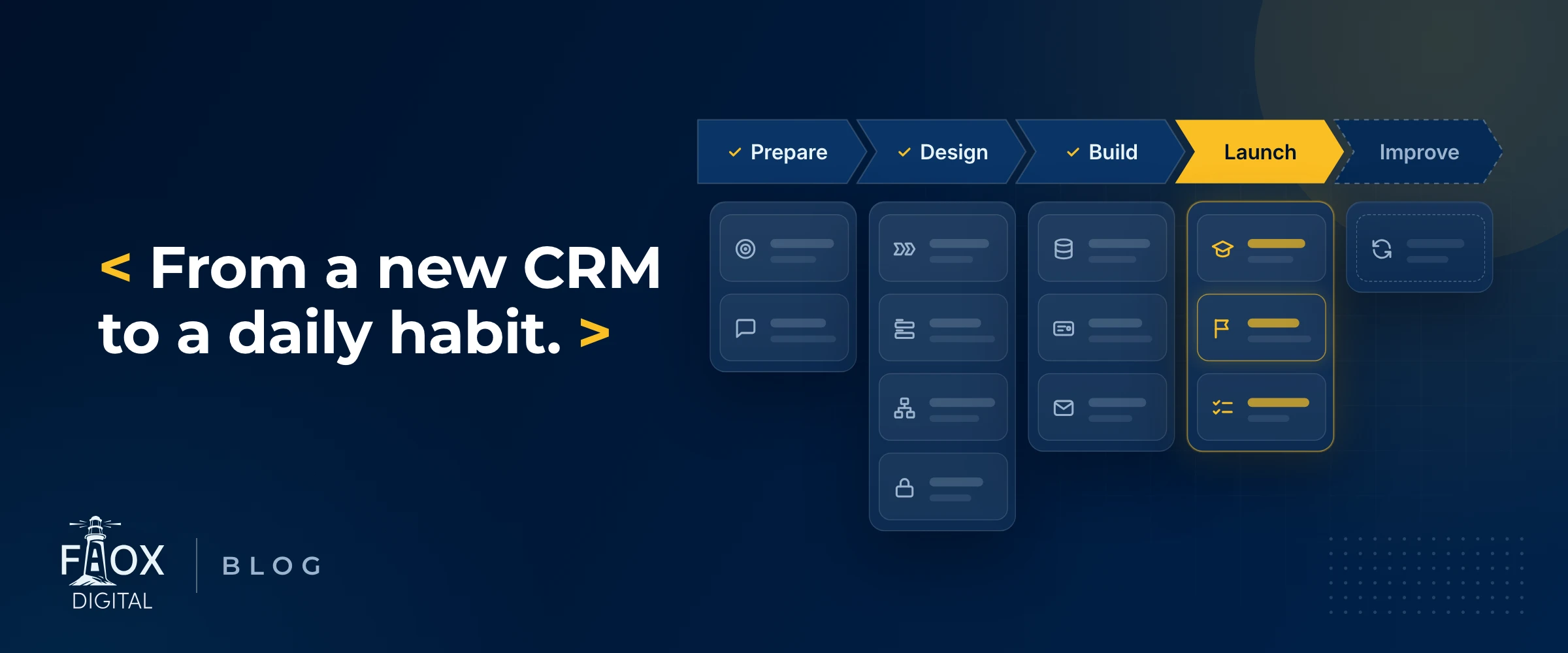
A CRM implementation roadmap usually runs through five phases:
| Phase | What happens | What you have at the end |
|---|---|---|
| Prepare | Owner, scope, needs analysis and success measures | A one-page brief everyone has agreed |
| Design | Sales process stages, field structure, relationships and user roles | A blueprint of the CRM on paper |
| Build | Configuration, data migration, duplicate cleanup, imports and email integration | A working CRM with clean data |
| Launch | Training, a pilot period and usage rules | A first group of daily users |
| Improve | Reviews of usage, fields and reports | A system that fits better every month |
CRM implementation steps at a glance
- Name an owner and agree the scope.
- Run a needs analysis with the people who will use the CRM.
- Map the sales process stages with clear exit criteria.
- Design a lean field structure.
- Set up contact and company relationships.
- Define user roles and access.
- Migrate the data and remove duplicate records.
- Import trade fair contacts with their source.
- Connect email and the website forms.
- Train with real work and run a pilot period.
- Agree usage rules and launch to everyone.
Step 1: Name an owner and agree the scope
Every CRM needs an owner: one person with the time and the authority to decide, usually from sales management or sales operations, supported by someone who can configure the system. Without an owner, every field request is accepted and nobody says no.
Agree the scope in writing before any configuration starts: which teams start first, which processes the CRM covers (new business, repeat orders, distributors, service), which systems it connects to and what success looks like. Make success concrete, for example every open quote in the CRM with a next step, or the weekly sales meeting run from CRM reports.
Decide also who does the work. Some companies configure their CRM themselves; others bring in outside help for the design or the data migration. Our article on what a CRM consultant does helps you judge whether you need one.
Step 2: Run a needs analysis
A needs analysis starts from the work, not from the software’s feature list. Talk to salespeople, sales managers, marketing, customer service and whoever prepares quotes, and ask:
- Which questions do you need answered every week, and where do you find the answers today?
- Which tasks take the most time or get forgotten?
- What do you keep in your own spreadsheets, and why?
- What do you need from other teams?
At the same time, list every current source of customer data: spreadsheets, Outlook or Gmail contacts, the ERP’s customer list, website form emails, trade fair files and business cards. The result is a short list of must-haves for the first version and a longer list for later. Keep the first list short, because every item on it becomes something people must fill in.
Step 3: Map your sales process stages
Write down how a sale really moves today, from the first enquiry to the order and the repeat business that follows. Then turn it into sales process stages, each with an exit criterion, so that every salesperson puts the same deal in the same place. Our B2B CRM guide shows a sample set for a manufacturer.
Do this with the people who sell, not only with management. If repeat orders, project business and distributor deals follow very different paths, give them separate pipelines rather than one long list of stages that fits none of them. Keep the stages few enough that people can tell them apart without a manual.
Step 4: Design a lean field structure
The field structure is the set of fields on each record: which exist, which are required and which use fixed lists. It decides how fast people can enter data and whether reports work.
- Start from the reports. For each field, ask which report or decision uses it. If nobody can answer, leave it out.
- Keep required fields few. Ask only for what you cannot work without.
- Use fixed lists for industry, country, source, role, product group and lost reason.
- Write a field dictionary: one line per field saying what it means and who fills it in.
- Name one person who approves new fields.
Adding a field later takes minutes. Removing one that people have filled in for a year is much harder.
Step 5: Set up contact and company relationships
In B2B, the company is the main record and people are linked to it. Decide how to model the contact and company relationships your business depends on:
- Contacts linked to their company, and people who move between companies
- Groups with several sites or subsidiaries, linked to a parent company
- Distributors linked to the end customers they serve
- The role each contact plays in a deal, such as technical evaluator, purchaser or decision maker
Settle this before the data migration, because changing the structure after thousands of records are imported means cleaning them again.
Step 6: Define user roles and access
User roles decide who can see and change what. Start from what each group needs rather than giving everyone full access:
| Role | Can see | Can change |
|---|---|---|
| Administrator | Everything | Settings, fields, users and imports |
| Sales manager | All accounts and deals in their team or market | Assignments, stages and forecasts |
| Salesperson | Their own accounts and deals, plus shared company records | Their records, activities and quotes |
| Marketing | Contacts, consent, segments and campaign results | Lists and segments |
| Service and management | The records they need | Service cases, or nothing |
Data protection law asks for the same restraint. Article 25 of the GDPR (2016) requires that, by default, only the personal data needed for each purpose is processed, including who can access it, and that it is not made accessible to an indefinite number of people without the individual’s intervention. Limit prices, margins and personal details to those who need them, and decide what distributors may see before giving them access.
Step 7: Migrate the data and remove duplicate records
Data migration is where a CRM can lose the team’s trust on day one: if the first thing salespeople see is duplicates and dead contacts, they go back to their spreadsheets. Work through it in this order:
- Collect every source from the needs analysis in one place.
- Decide what to migrate. Active customers, open deals and recent contacts usually come across; old history can stay in an archive.
- Map the fields from each source to the new structure, including fixed list values.
- Clean before importing: standardize company names, countries and phone formats, and remove bounced addresses and people who have left.
- Remove duplicate records with matching rules: name variants, website domain and customer or tax number for companies, email address for contacts.
- Keep the source of every record, such as the spreadsheet, the ERP or the trade fair it came from.
- Test with a sample, check it with the users, then import the rest.
For contacts who will receive emails, check consent and bounce history before the first send; our guide to email list hygiene shows how to clean a list without losing good contacts.
Step 8: Import trade fair contacts with their source
Trade fair contacts are among the most valuable data a manufacturer has, and among the most neglected: badge scans and business cards often sit in files until they are too old to follow up. Make importing them a routine:
- One file per event, imported within days of the fair
- The event name and date recorded as the source of each contact
- Notes from the stand kept with the contact: products discussed, samples promised, next step
- What each visitor agreed to receive, so that follow-up respects the consent rules of their market
- A check against existing companies and contacts, so that a known customer does not become a new record
- An owner and a follow-up task for every contact worth a call
Do the first import during the build phase with your most recent fair, so that the team sees real contacts on day one.
Step 9: Connect email and the website forms
Email integration saves typing and keeps the history complete. Salesforce, a CRM vendor, found in its State of Sales report for 2026, a survey of 4,050 sales professionals in August and September 2025, that the average seller spends 40% of their time selling. A CRM that adds manual entry without giving anything back makes that worse. Set up three connections first:
- Outlook or Gmail, so that emails and meetings with customers are logged on their records
- The website forms, so that quote requests and downloads arrive as leads with their source, not as emails someone forwards
- The email marketing tool, so that lists, segments, consent and unsubscribes stay in one place
ERP connections for customers, orders and prices can follow once the basics run; the technical side of form and ERP integration is covered in our guide for when a website isn’t enough. Automated workflows come last, once the data is reliable; our guide to setting up email automation shows where to start.
Step 10: Train with real work and run a pilot period
Training works best with each person’s own accounts and deals. A few short sessions by role beat one long demonstration:
- Salespeople: finding a company, logging a call, updating a deal, creating a follow-up task
- Sales managers: reading the pipeline, reassigning accounts, running the weekly meeting from the CRM
- Marketing: building a segment, checking consent, reading campaign results
Give everyone a one-page guide to the five things they will do most, and name one or two experienced users whom colleagues can ask.
Then run a pilot period with a small group, such as one sales team or one market, for a few weeks. Ask them to use the CRM for all their work and note every problem. Fix fields, stages and permissions, look at how many records and activities they create, and decide together whether the system is ready for everyone. A pilot costs a few weeks; skipping it can cost the team’s trust.
Step 11: Agree usage rules and launch
Usage rules turn the CRM into a shared habit. Write them down, keep them short and let the sales manager check them in the weekly meeting:
- If it is not in the CRM, it did not happen: every customer conversation that matters is logged
- Every open deal has a next step with a date
- Stages are updated within a working day of a change
- Every quote is linked to its deal, and every lost deal has a reason
- New contacts are checked for duplicates before they are saved
- The weekly sales meeting and the monthly marketing review use CRM reports, not spreadsheets
Launch to everyone only when the pilot group works this way. Our guide on how to use a CRM sets out these daily rules for sales and marketing in more detail.
After launch: review and improve
The first months decide whether the CRM sticks. Review usage every week at first, then every month: who logs activities, which fields stay empty, which reports people open. Remove fields nobody uses, fix the stages that cause arguments and add the reports the team asks for. Add automation and further integrations only when the basics are part of daily work.
Watch for warning signs: deals updated only before the monthly review, contacts kept in personal address books and managers asking for numbers in spreadsheets. Each one points to a rule, a field or a training gap.
If you have not picked a system yet, this plan doubles as your list of requirements: the stages, fields, roles and connections you need. Our guide to choosing a CRM turns them into questions for vendors.
How Faox Digital approaches CRM implementation
At Faox Digital, CRM implementation is part of the build step of our email, CRM and funnel work: the CRM, the emails and the automations are set up in the client’s own tools and signed off by the client. Before that, an audit cleans the list, the CRM and past sends, so that dead and duplicate contacts do not move into the new system, and a spreadsheet or a box of trade fair contacts is a fine place to start.
Key takeaways
- CRM implementation succeeds or fails on adoption, so plan the people side as carefully as the configuration.
- Start with an owner, a written scope and a needs analysis built on the work people do.
- Keep the first version lean: clear sales process stages, few required fields, fixed lists and simple user roles.
- Clean the data and remove duplicates before migrating, and import trade fair contacts with their source and consent.
- Train with real deals, run a pilot period and agree usage rules before launching to everyone.
Frequently asked questions
What is CRM implementation?
CRM implementation is the project of setting up a CRM for your company and getting people to use it: configuring the sales stages, fields and user roles, migrating and cleaning the data, connecting email and other systems, and training the team.
What are the steps of the CRM implementation process?
Name an owner and agree the scope, run a needs analysis, map the sales stages, design the fields and relationships, set user roles, migrate and clean the data, import trade fair contacts, connect email and the website, train, run a pilot period and agree usage rules before the full launch.
How do you get a team to use a new CRM?
Involve the users in the design, keep the first version lean, migrate clean data, train with their own accounts and deals, and run a pilot. Then make the CRM the only place where deals and reports live: when the weekly sales meeting runs from the CRM, the habit follows.
Do you need a CRM implementation company?
Not always. A small team with a clear process can set up a CRM itself. Outside help makes sense for complex data migrations, ERP integration or when nobody inside has the time to own the project.
Sources
Let’s talk
Have contacts you never follow up with?
Tell us about the list you already have. We will show you how email and CRM can turn it into conversations.